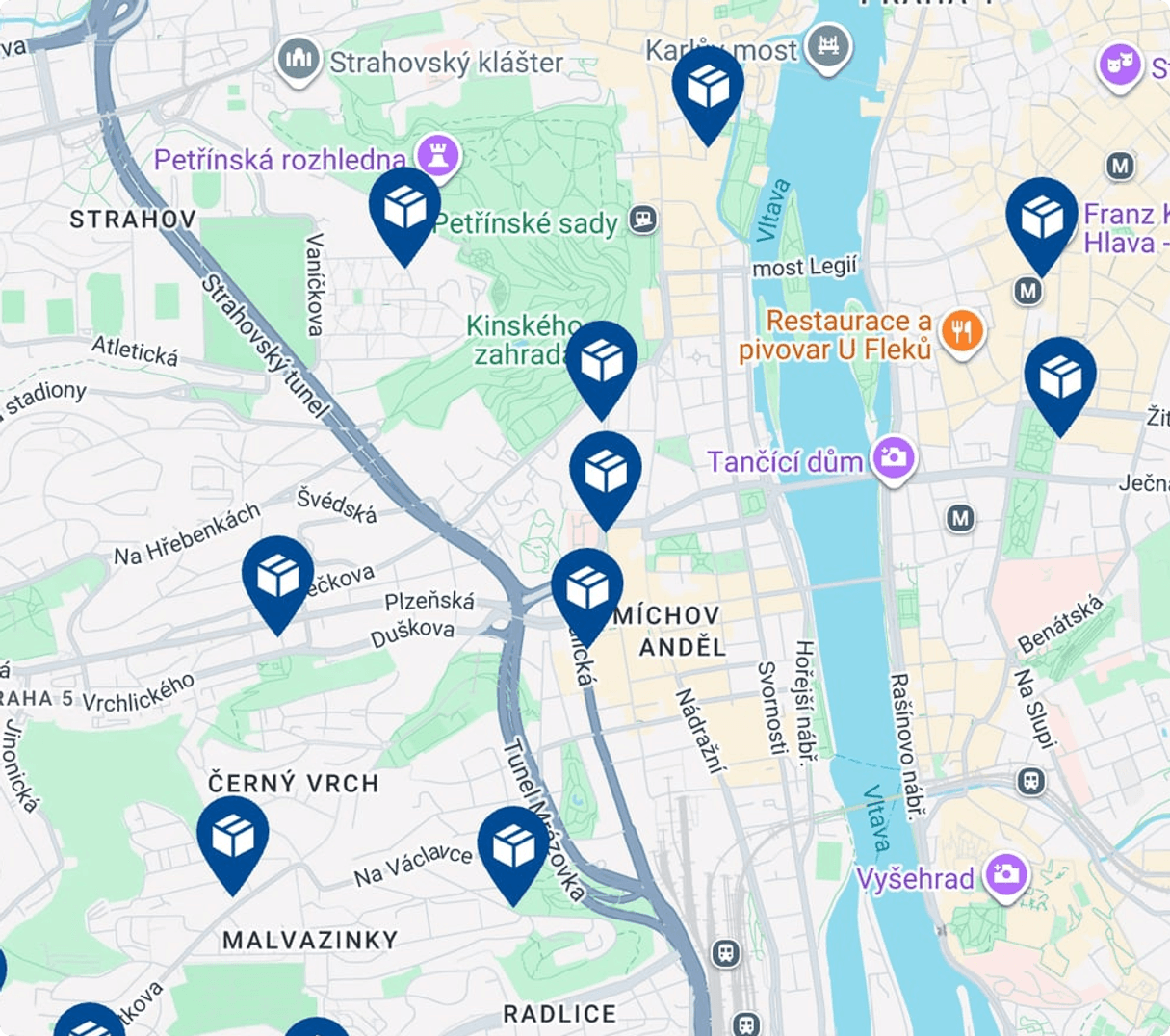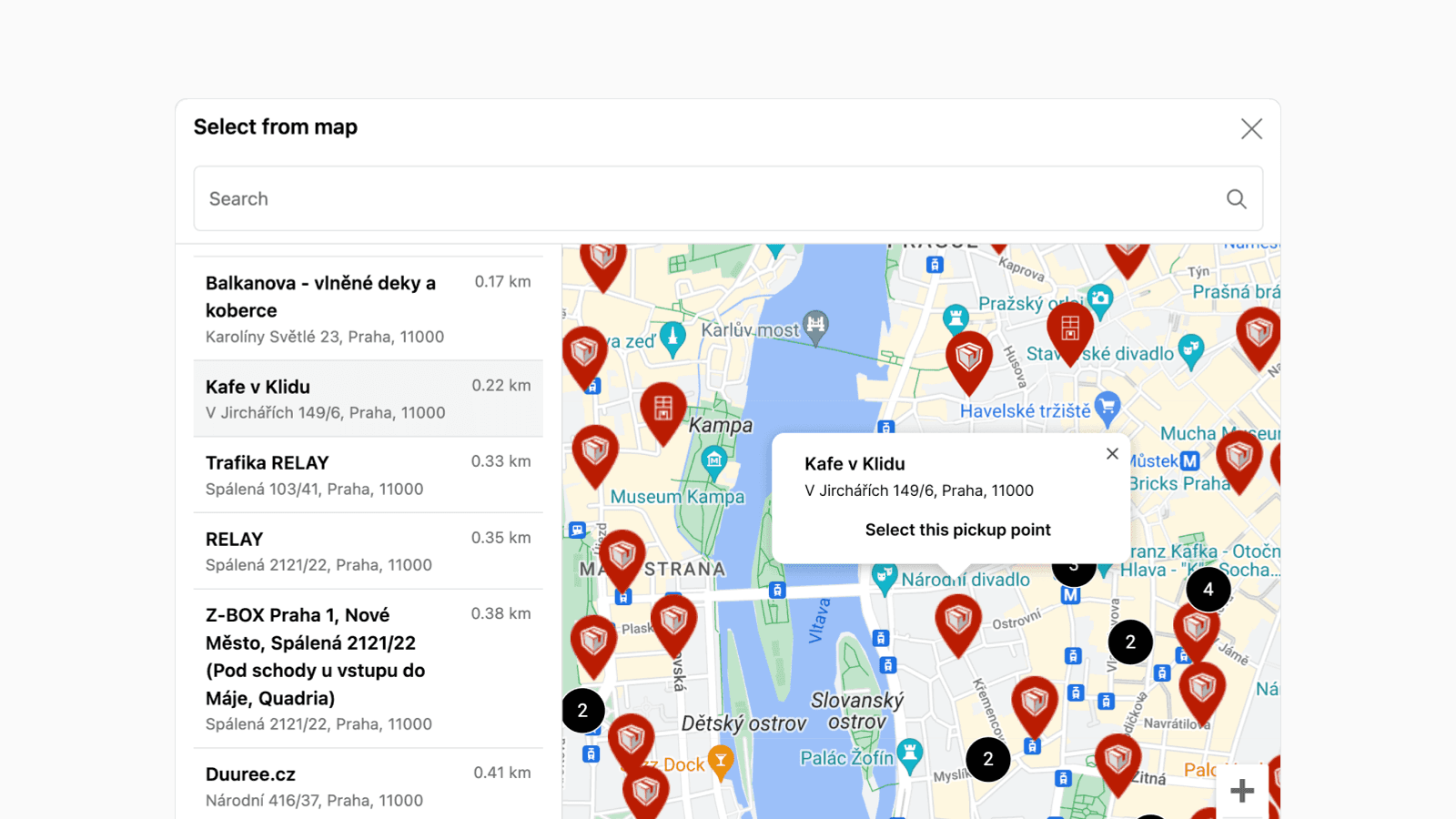
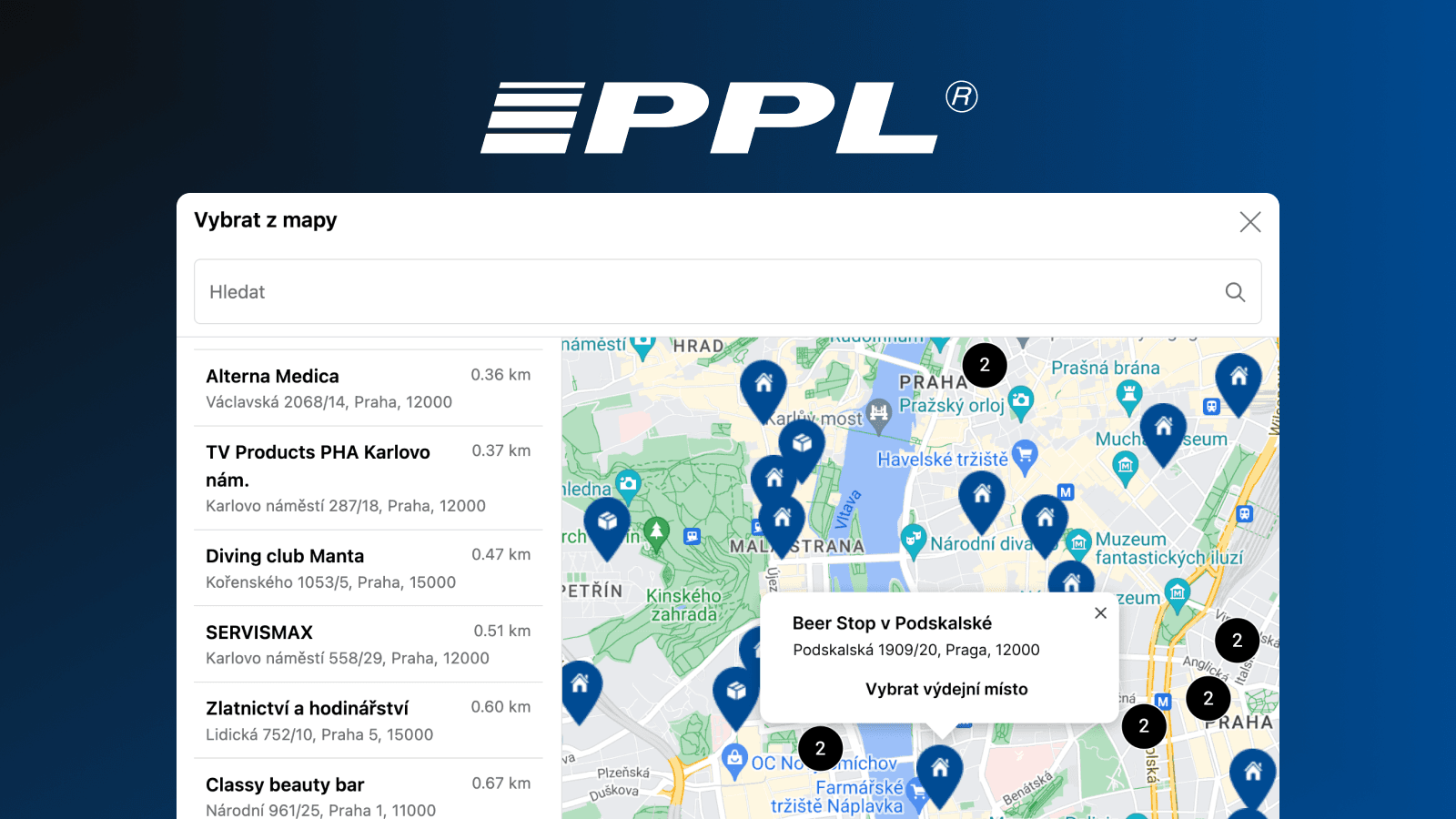
Let your customers easily choose delivery to PPL pickup points right during checkout in your Shopify store. Thanks to an interactive map, customers can intuitively pick a point in the cart, at checkout, on the thank-you page, and while tracking their order. The integration is powered by our Shopify app Globe.
In this article, you will learn:
- Displaying PPL pickup points: show the pickup-point selector to your customers using the Globe app.
- Reminder emails with one click: if a customer forgets to select a point, a reminder email is sent automatically. Multilingual support is ideal for stores selling to several countries.
- An interactive map via the Google Maps API: let customers choose from a list or directly from an interactive map.
- More useful tips: advanced settings for smooth fulfillment, plus one-click order export and label printing.
Where your customers choose a PPL pickup point
Globe gives you several places to let customers pick a point. Use one or combine them:
- In the cart, before checkout: the Globe cart widget lets customers choose a PPL point right on the cart page or cart drawer, with a built-in map, address search, and geolocation.
- As Carrier-Calculated Shipping rates (no Maps key): Globe can surface the nearest PPL points as individual shipping rates at checkout via Shopify's Carrier-Calculated Shipping (CCS), based on the entered address, and no Google Maps API key is needed. (CCS is on the Advanced and Plus plans, and on Grow with annual billing.)
- Inside the checkout (Shopify Plus): a full interactive map selection embedded directly in the Shopify checkout. This runs on the Google Maps API, so you add your own key.
- Thank-you & order-status pages: selection (or a reminder) on the post-purchase pages, a reliable fallback for edge cases like express checkouts.
Setting up PPL pickup points with Globe 🌍
- To display PPL pickup points, install the Globe: Pickup Point Selection app from the Shopify App Store.
- Add a new shipping method for PPL pickup points. In our example, we named it '🚚 PPL (Pickup Points)'.
- In the Globe app, select PPL as the courier and assign the prepared shipping method. You can also activate notification emails right away.
- Add the Globe block (or the cart widget) to the surfaces you want: cart, checkout (Shopify Plus), thank-you, and order-status pages.
Do you need a Google Maps API key? 🗺️
Not necessarily. The key is optional.
- Cart widget and shipping-rate display: no key needed. Without any key, customers can still select a pickup point from a clean dropdown/list view.
- In-checkout interactive map (Shopify Plus): this always runs on the Google Maps API, so Plus merchants who show the map selection inside checkout add their own key for the best experience.
If you do want the interactive map, adding a key is quick. See our documentation.
More useful tips with the Globe app 🙌
PPL is a direct-label-printing carrier in Globe, so you can export orders and print PPL labels (individually or in bulk) directly from your Shopify admin. And while setting up PPL, you'll notice it's just as easy to add pickup points for dozens of other carriers, keeping all your shipping in one place.
Advanced features include automatic updating of the delivery address to the selected pickup point and the ability to configure custom order attributes, which makes integration with third-party apps easy.
What Globe brings to your store:
- 60+ carriers across 5M+ pickup points in 180+ countries, all in one app.
- One-click order export and label printing for supported carriers (including PPL), individually or in bulk.
- Pickup-point selection in the cart, at checkout (Shopify Plus), on the thank-you page, and on the order-status page.
- Works with express checkouts (Shop Pay, PayPal Express, Google Pay, Apple Pay, and more).
- Automatic multilingual reminder emails if a customer forgets to select a pickup point.
- Carriers include Packeta (Zásilkovna), DHL, GLS, PPL, DPD, InPost, Balíkovna, Hermes, Colissimo, Mondial Relay, ACS, and many more.
- Friendly support available daily 🤗
See the full breakdown on the PPL page on Globe.